
27 Best Nano Banana Prompts for AI Image Generation
A complete library of the 27 most effective Nano Banana prompts for AI image generation and editing, organized by use case: e-commerce, marketing, portraits, image fusion, and more.
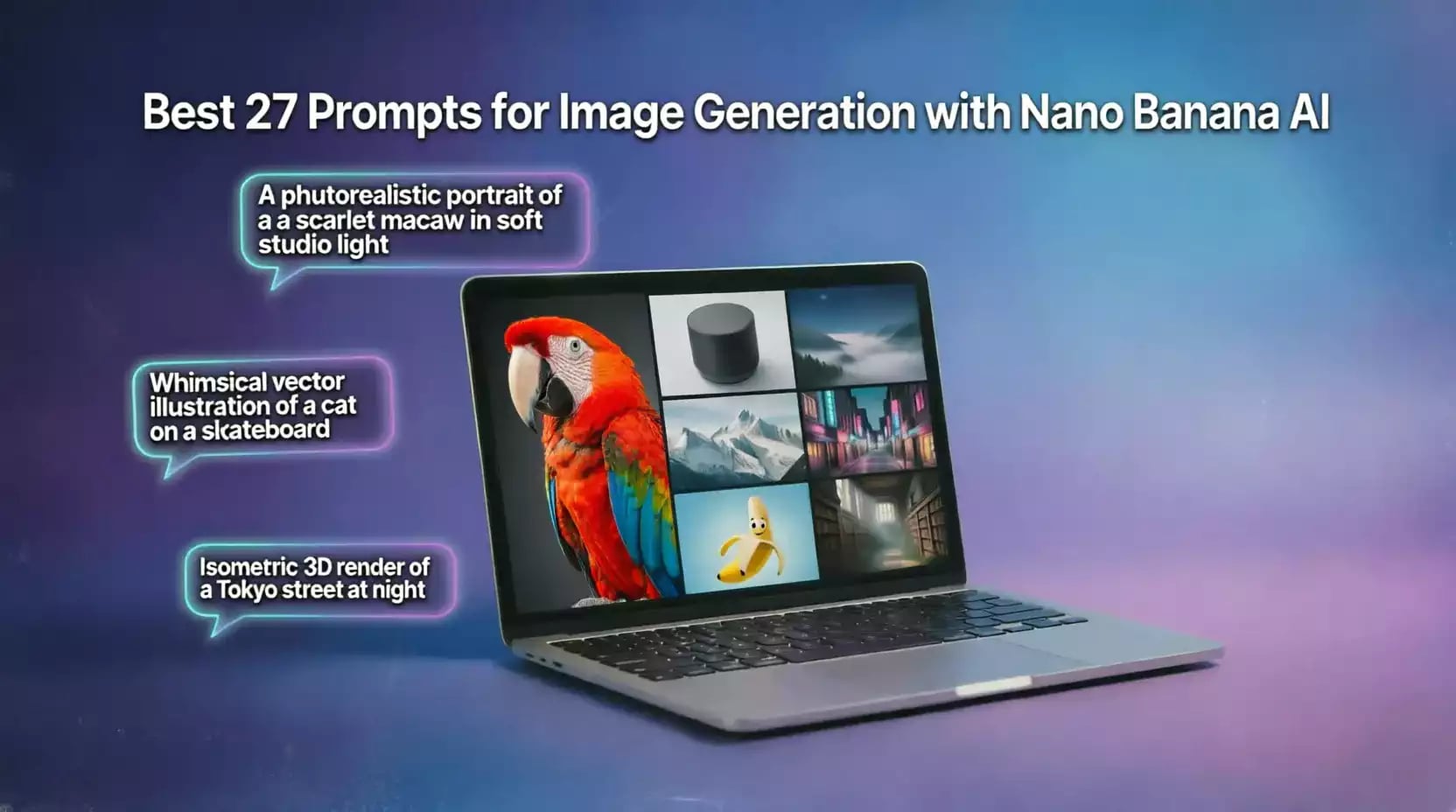
27 Best Nano Banana Prompts for AI Image Generation
Google's Nano Banana (Gemini 2.5 Flash Image) has an exceptional ability to understand complex text instructions, but that capability doesn't automatically translate into professional results unless you know how to phrase your prompt correctly. The difference between a mediocre image and one that looks like it was shot by a professional photographer or designed by a skilled graphic artist often comes down to small details in the prompt itself: the direction of the light, the type of lens, the spatial relationship between elements, and even the tone of the words you choose.
In this comprehensive guide, we've put together a library of the 27 best, battle-tested prompts ready to use with Nano Banana, organized by practical use case: from general-purpose prompts for beginners, through product photography and e-commerce visuals, all the way to advanced image fusion and guided editing prompts. Copy any prompt below and simply swap out the bracketed placeholders to fit your project, or craft your own prompt with our image prompt generator and then generate the result directly on Labnana AI.
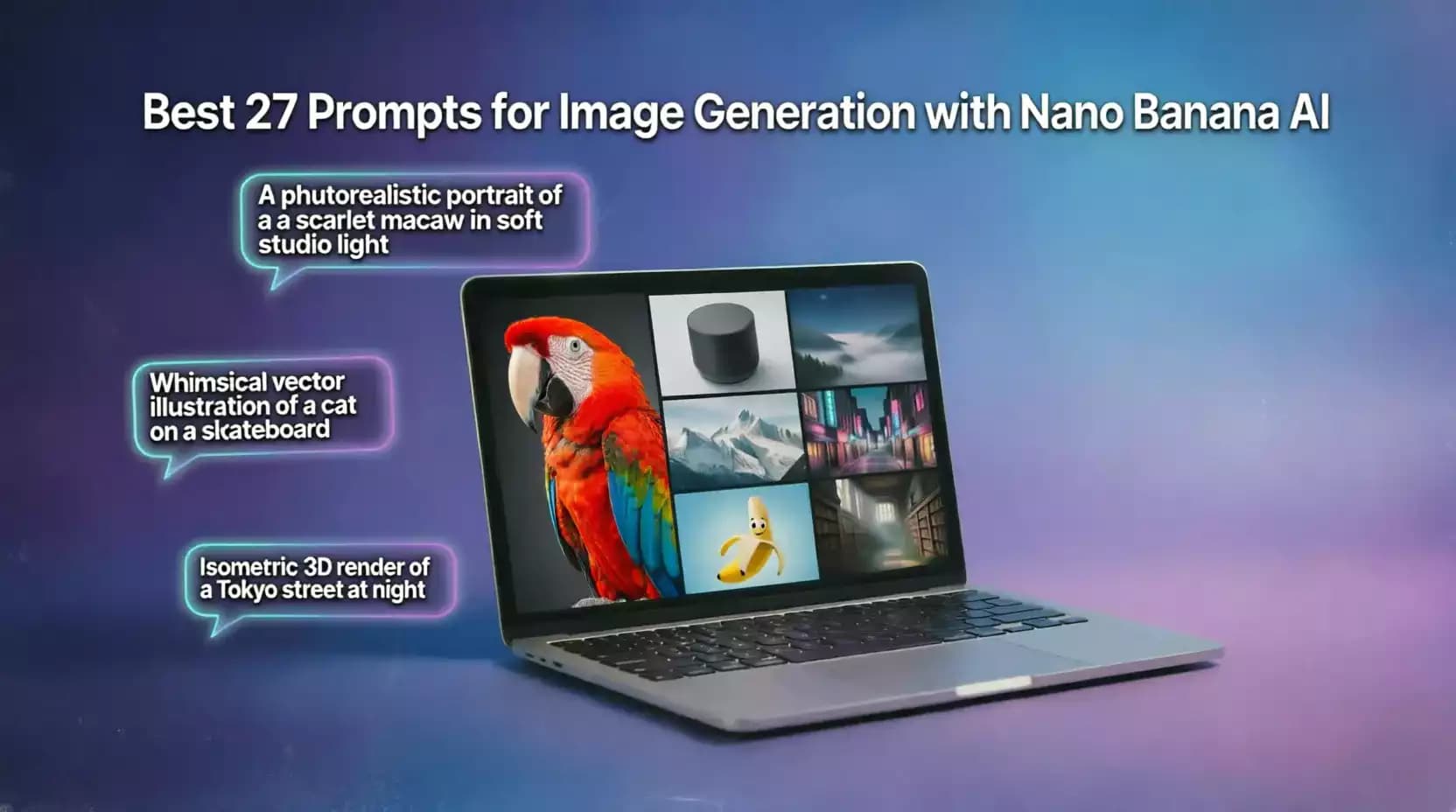
For the best results, read the short explanation under each prompt before using it. It explains why certain words were chosen deliberately, which will help you tweak the prompt intelligently later instead of just copying it word for word.
Why a Good Prompt Is the Real Key to Image Quality
Many new users assume that the model's raw power is the only factor that determines output quality, but the truth is that how you phrase your prompt plays an equally important role, and sometimes matters even more than the model's raw capability. A model as capable as Nano Banana can genuinely pick up on subtle differences in wording: the gap between "soft lighting" and "soft studio lighting from multiple angles" might look small on paper, but it produces two visibly different images in terms of shadow distribution and overall contrast.
This means investing in learning how to write precise, specific prompts isn't a luxury, it's a practical skill that saves you dozens of failed attempts and reduces your reliance on luck to land a professional result. The 27 prompts we've gathered in this guide follow a proven, consistent pattern: define the subject precisely first, then describe the surrounding environment or context, then specify the visual style and lighting, and finally add any necessary technical constraints such as aspect ratio or elements to exclude. Applying this same pattern whenever you write a new prompt of your own, even outside this list, will noticeably improve your results regardless of the idea you're working on.
Essential General-Purpose Prompts for High-Quality Images
Before diving into specialized prompts, here are three foundational prompts that work as a starting point for almost any idea, and that illustrate the general structure every good Nano Banana prompt should follow.
1. General Prompt for a High-Quality Realistic Image
This prompt works as a comprehensive base template: it defines the subject, the lighting style, the assumed camera type, and the level of detail required, the four elements Nano Banana relies on most heavily to determine the overall visual character of the result.
photorealistic image of [main subject], shot with a professional DSLR camera, natural soft lighting, shallow depth of field, high level of detail, realistic textures and shadows, 4k quality2. Prompt for a Flat Illustration Style
When you don't want photorealism but a hand-drawn artistic look instead, specify the illustration style precisely (flat, watercolor, simple linework), because leaving this detail vague lets the model pick a random style that may not fit your project.
flat illustration of [subject], clean vector-style linework, soft pastel color palette, minimalist composition, white background, modern editorial illustration style3. Prompt That Specifies the Right Aspect Ratio
Aspect ratio is a detail many people overlook despite its importance; an image designed for a wide website header needs a completely different ratio than one meant for a vertical Instagram story.
[description of the desired image], composition optimized for a [16:9 / 1:1 / 9:16] aspect ratio, balanced framing, clear focal point, no cropped elements at the edgesNano Banana understands common aspect ratios when they're explicitly mentioned in the prompt, but it's also worth setting the dedicated aspect ratio option in the tool's interface when available, for extra accuracy rather than relying on text alone.
Product Photography and E-Commerce Prompts
One of the most common practical uses of Nano Banana is generating professional product photos without the cost of a physical photo studio. Here are four proven prompts built specifically for this purpose.
4. Prompt for a Product on a Clean White Studio Background
This is the standard format required by most marketplaces like Amazon and Noon; a uniform white background and evenly balanced lighting are both essential requirements for an image to be accepted on these platforms.
professional product photography of [product name], pure white studio background, soft even lighting from multiple angles, no harsh shadows, centered composition, high resolution, e-commerce ready5. Prompt for a Realistic Lifestyle Product Shot
Lifestyle photos that show a product actually being used noticeably boost conversion rates compared to plain studio shots, because they help the customer picture themselves actually using the product.
lifestyle product photo of [product name] being used in a [setting description, e.g. modern living room / cozy home kitchen], natural daylight, cozy realistic atmosphere, candid unposed feel, product clearly visible and in focus6. Prompt for a Top-Down Flat Lay Product Shot
The top-down "flat lay" style is very common for products like cosmetics, food, and accessories, and relies heavily on how the surrounding elements are arranged around the main product in a visually balanced way.
top-down flat lay photo of [product name], surrounded by [related complementary items], neutral background texture like marble or wood, soft natural light, minimalist aesthetic, perfectly symmetrical arrangement7. Prompt to Change the Background of an Existing Product Photo
Instead of generating a brand-new image from scratch, you can use Nano Banana's guided editing feature to change the background of a real product photo you've already uploaded, while fully preserving the original product's shape without any distortion.
keep the product exactly as it is in the uploaded image, replace only the background with [new background description], match the lighting direction and shadow style to the new background naturally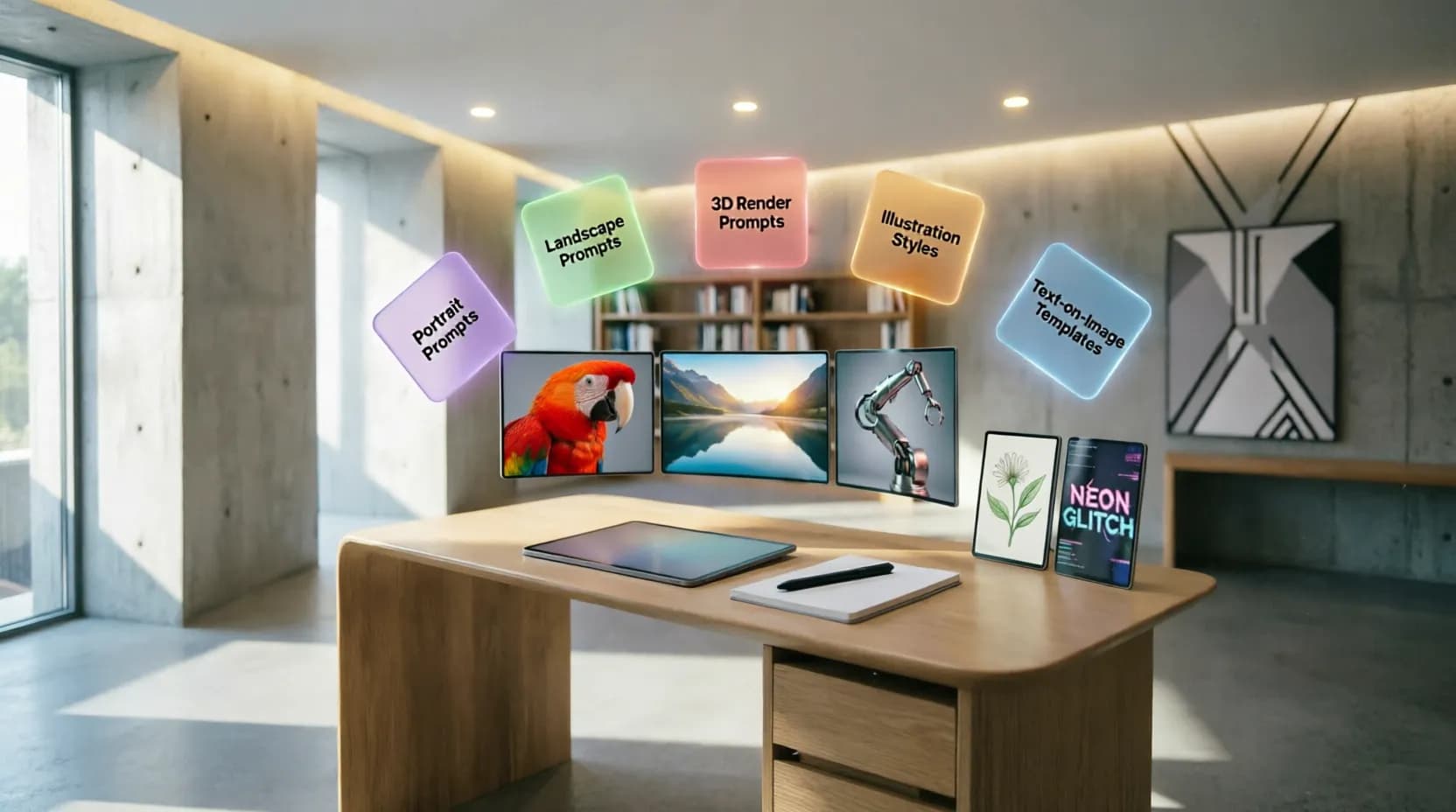
Marketing and Digital Advertising Prompts
Digital marketers need images that grab attention instantly and carry a clear message. Here are three prompts built specifically for that goal.
8. Prompt for an Ad Image with a Catchy Headline Built In
Thanks to Nano Banana's advanced ability to render clear text inside images, you can request a marketing headline embedded directly into the design, while specifying its position and font style to ensure it stays readable.
bold advertising banner for [product or service name], vibrant eye-catching background, large clean sans-serif headline text "[ad copy]" positioned at the top, product image integrated naturally, strong contrast for readability9. Prompt for a "Before and After" Style Ad Image
The "before and after" format is highly effective in fields like skincare, fitness, and home improvement, and relies on a clearly split image divided into two visually contrasting halves.
split-screen before and after comparison image, left side showing [the "before" state], right side showing [the "after" state], clear visual contrast, bold divider line in the middle, labels "Before" and "After" in clean typography10. Prompt for a Seasonal or Occasion-Themed Ad Image
Tying a product to a specific occasion or season (Ramadan, summer, back-to-school) makes an ad more relevant to the current context and typically improves engagement rates.
seasonal advertising image for [occasion, e.g. Ramadan / summer sale / back to school], festive decorative elements related to the occasion, warm inviting color palette, product prominently featured, celebratory atmospherePortrait Prompts and Character Consistency
Thanks to Nano Banana's advanced Character Consistency feature, generating a character with stable facial features across multiple scenes is now possible with high accuracy. Here are three prompts that take advantage of this capability specifically.
11. Prompt for a Professional Studio-Lit Portrait
professional studio portrait of [description of the person], soft rembrandt lighting, neutral gray background, sharp focus on the eyes, natural skin texture, shallow depth of field, corporate headshot style12. Prompt to Keep the Same Character's Features in a New Scene
This prompt is designed specifically to leverage the character consistency feature; it assumes you're attaching a reference image of the character and asking the model to place them into an entirely new context.
keep the exact same facial features, hairstyle, and identity of the person in the reference image, place them in a new scene: [description of the new scene], adjust lighting and pose naturally to match the new context13. Prompt for a Cartoon Character with Consistent Features Across Scenes
consistent cartoon character design: [detailed description of the character: shape, colors, clothing], same character appearing in a new pose and scene: [scene description], maintain identical facial features, colors, and proportions across all generationsFor the best consistency results, always attach the original reference image of the character with every new prompt instead of relying on the text description alone; a visual reference significantly reduces even minor drift in facial features.
Image Fusion Prompts
Nano Banana's ability to merge elements from multiple images into a single cohesive scene opens up a wide range of creative possibilities. Here are three practical prompts for this purpose.
14. Prompt to Merge a Product with a Separate Reference Background
combine the product from the first image with the background scene from the second image, match the lighting direction, shadow softness, and color temperature so the final composition looks like one authentic photograph15. Prompt to Place a Person into a New Scene or Background
place the person from the uploaded photo into the scene: [description of the new scene], preserve their exact facial identity and body proportions, blend the edges naturally with realistic lighting and shadow consistent with the new environment16. Prompt to Merge Several Separate Elements into One Cohesive Design
merge the following elements into one cohesive composition: [list of elements to combine], arrange them in a balanced natural layout, unify the lighting and color grading across all elements so they appear photographed togetherPrompts for Adding Text Inside Images
One of Nano Banana's strongest features is its ability to generate clear, correctly spelled text directly inside an image. Here are three prompts that put this capability to practical use.
17. Prompt for a Book Cover with the Actual Title Rendered In
book cover design for a [genre/type of book], atmospheric illustrated background matching the theme, large elegant serif title text "[book title]" centered at the top, author name "[author name]" in smaller text at the bottom18. Prompt for a Sign or Storefront Banner with Clear Text
realistic storefront sign mockup with the text "[required text]" in bold clean lettering, mounted on a [type of storefront], natural outdoor lighting, realistic material texture and shadow19. Prompt to Translate Text Inside an Existing Image
replace the text in the uploaded image with its translation in [target language], keep the exact same font style, size, color, and position as the original text, preserve all other visual elements unchangedPrompts for Realistic Natural Scenes and Backgrounds
Nano Banana, and Nano Banana 2 in particular, excels at generating natural scenes with a high degree of visual realism. Here are three prompts that take advantage of this strength.
20. Prompt for a Realistic Landscape with Cinematic Lighting
breathtaking realistic landscape of [location description], golden hour cinematic lighting, dramatic sky with soft clouds, rich natural color grading, ultra-detailed textures, wide-angle composition21. Prompt for a Natural Background Suited for Design Use
soft blurred natural background of [type of scene, e.g. forest / beach / garden], bokeh effect, muted calming color palette, no distracting sharp details, suitable as a background layer for text overlay22. Prompt for a Realistic Architectural or Urban Scene
photorealistic architectural visualization of [description of the building or space], modern minimalist design, natural daylight through large windows, realistic material textures like concrete and wood, professional architectural photography styleCreative and Artistic Design Prompts
Beyond photorealism, Nano Banana can also produce creative artistic work in a variety of styles. Here are three prompts for this direction.
23. Prompt for an Abstract Artwork with Gradient Colors
abstract digital artwork with flowing organic shapes, smooth gradient blend of [first color] and [second color], dreamy soft-focus atmosphere, modern wallpaper-style composition, high resolution24. Prompt for a 3D-Rendered Design
3D render of [subject], clay material style, soft studio lighting with subtle shadows, pastel color palette, isometric or slightly angled perspective, clean minimalist background25. Prompt for a Collage-Style Image
creative collage-style composition combining [list of elements to blend artistically], torn paper edges and layered textures, mixed media aesthetic, bold contrasting colors, artistic magazine-style layoutGuided Editing Prompts
Finally, these two prompts take advantage of Nano Banana's ability to precisely edit an existing image without affecting the rest of its elements.
26. Prompt to Change the Color of One Specific Element Only
change only the color of [specific element] in the uploaded image to [new color], keep every other element, lighting, and shadow exactly as they are in the original photo27. Prompt to Remove an Unwanted Element from an Image
remove [element to remove] from the uploaded image completely, seamlessly reconstruct the background behind it to match the surrounding area naturally, keep all other elements unchanged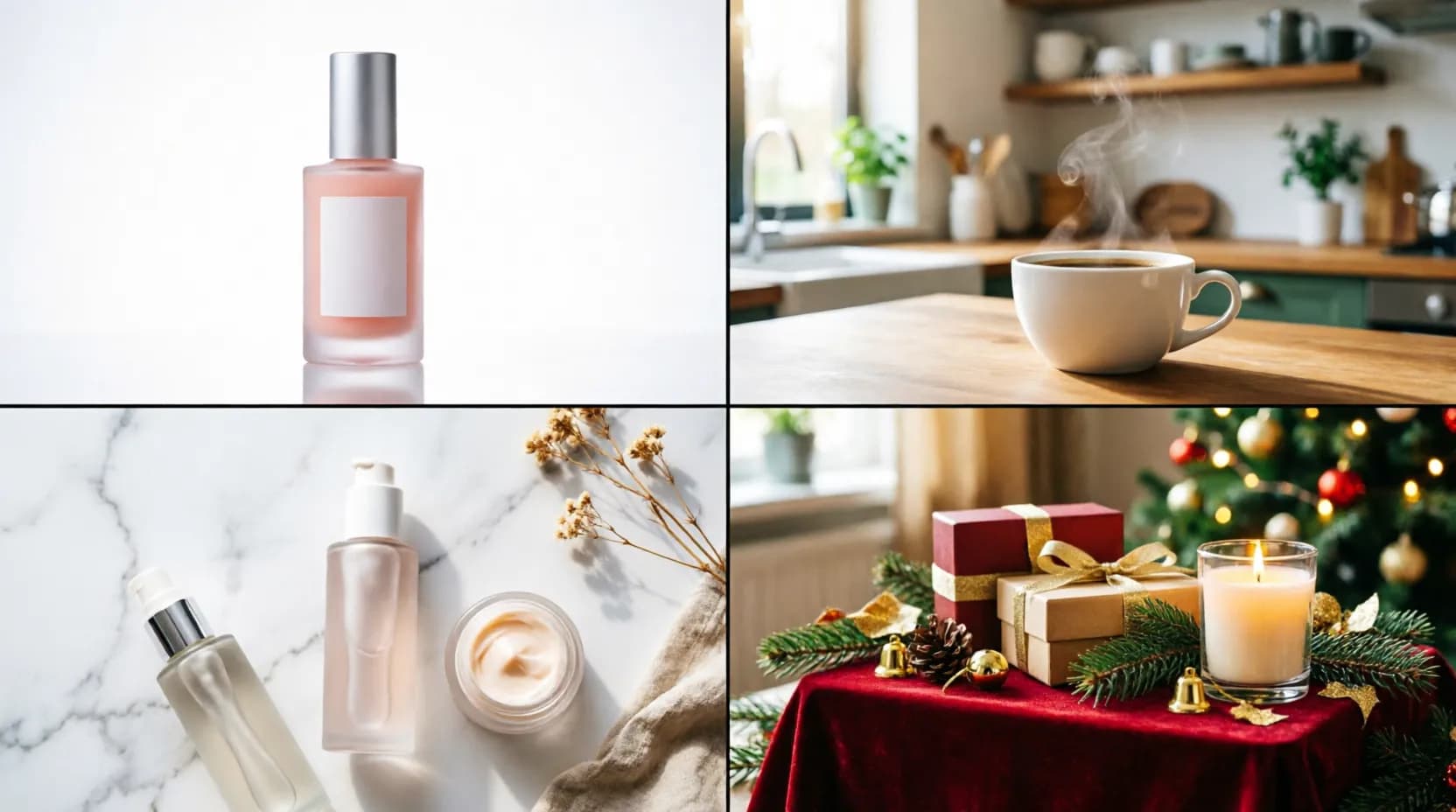
Quick Tips to Improve Results with Any Nano Banana Prompt
Regardless of which prompt from the list above you use, three practices consistently improve output quality across the board. First, be specific about lighting (natural, studio, golden hour), since it affects the overall visual character of an image more than almost any other single factor. Second, when editing an existing image, explicitly state what should stay unchanged, not just what you want modified, since this significantly reduces unintended changes to the rest of the image. Third, don't hesitate to iterate by adjusting just one element at a time when the first attempt isn't quite right, since this structured, iterative approach is far faster than rewriting the entire prompt from scratch every time.
On top of that, always specify a "virtual camera" type when requesting realistic images (professional DSLR camera, macro lens, wide-angle lens), since this technical detail steers the model toward familiar patterns from real photography instead of the artificial-looking patterns that can make an image obviously "AI-generated." Likewise, don't be afraid to write relatively long prompts with several simultaneous details; thanks to Nano Banana's advanced contextual language understanding, it can handle complex, multi-condition sentences far more accurately than many competing models that lose focus once a prompt exceeds a certain length.
Finally, keep a personal library of prompts that have worked well for you before, and refine them gradually instead of starting from scratch on every new project. This approach saves significant time in the long run, especially if you work in a field that requires generating images regularly, such as e-commerce or social media management, where you'll gradually build a set of ready-made, tested "templates" for every type of content you need on a recurring basis.
You can try any prompt from this list right now on Labnana AI, or automatically tailor it to your project with our image prompt generator.
Frequently Asked Questions About Nano Banana Prompts (FAQ)
You might also like
Everything you need to know about Google's Nano Banana: version history, free access, comparing Nano Banana Pro, Nano Banana 2, and Nano Banana 2 Lite, plus top applications in e-commerce, marketing, and design.
Discover the best free AI-powered image merging tools online. Learn how to merge two images into one seamlessly with AI — no Photoshop, no skills, no cost. Complete guide with 20+ tools, step-by-step tutorials, and expert tips for 2026.
A comprehensive guide to the best AI prompts for professional logo design, featuring ready-made templates, tool comparisons, and practical tips for every business type.

Discover Labnana AI, a free artificial intelligence image generator that converts text into professional images in seconds. Learn how Text-to-Image works, best practices, and the complete step-by-step guide.