
Labnana AI: Free AI Image Generator
Discover Labnana AI, a free artificial intelligence image generator that converts text into professional images in seconds. Learn how Text-to-Image works, best practices, and the complete step-by-step guide.
What is the Labnana AI Image Generator?
Labnana AI is a free, browser-based platform designed for anyone who wants to turn a simple written idea into a professional image without opening a design program or hiring an illustrator. The tool combines creativity and speed: the user writes a description, Labnana AI interprets that text using advanced image generation models, and in a matter of seconds, a finished result appears. Unlike many AI art tools that demand a steep learning curve, Labnana AI maintains a simple interface for beginners while still offering advanced control for more experienced creators. Community managers, bloggers, small businesses, and students use the platform for the same reason: it eliminates the biggest barrier between an idea and a visual result, which is technical skill. If the project also needs ad copy, product descriptions, or SEO content to accompany those images, the AI content generator from the sister platform Promptsa perfectly complements this visual workflow.
Why is Labnana AI one of the best AI image generators?
The AI image generation market is saturated, but Labnana AI stands out for reasons that matter to the everyday user, not just the professional designer. First, the platform is truly free to start, allowing you to test the quality of the result before committing to anything else. Second, Labnana AI isn't limited to a single function: it combines text-to-image generation, AI editing, background removal, and quality enhancement within a single connected workflow, so the user doesn't need to jump between five different tools to finish a single project. Third, the generation speed is designed for real-world workflows: professional-quality images are ready in seconds, not minutes, which is hugely important for those who produce content daily. Fourth, the interface prioritizes clarity over an excess of options, so new users don't feel overwhelmed. Finally, the results maintain consistent visual fidelity, with sharp details, coherent lighting, and balanced composition—qualities that often fail in older or cheaper AI tools.
Features of Labnana AI for creating images with AI
Labnana AI is built as a complete image kit rather than a single-function generator. Each feature solves a specific problem creators face when producing visual content at scale.
Text-to-Image Generation
The core function of Labnana AI is text-to-image generation, where a written description is converted into a fully rendered image. This function relies on deep learning models trained to understand the relationship between language and visual composition, allowing the platform to interpret style, mood, subject, and setting from a single sentence.
AI Image Editing
Beyond generating new images, Labnana AI allows you to edit existing photos using natural language instructions. Instead of manually adjusting layers or masks, the user simply describes the desired change—adding an object, changing a color, or modifying the background—and the AI applies the edit directly.
Image Quality Enhancement
Blurry or low-resolution images are a common problem for those working with old photos or graphics pulled from the internet. Labnana AI includes an enhancement feature that sharpens details, increases resolution, and corrects imperfections, so the final result looks professional and print-ready.
Element and Background Removal
Removing backgrounds and erasing objects is essential for product photography, e-commerce listings, and clean graphics for social media. Labnana AI automates this process, detecting the subject of the image and isolating it from its background with a single click—a feature especially useful when combined with the social media design generator when preparing posts for publishing.
Creating Professional Images in Seconds
Speed is one of the platform's greatest strengths. Because the models behind Labnana AI are optimized for fast inference, users typically receive a finished, professional-quality image seconds after submitting their description.
For the best results, combine Labnana AI's Text-to-Image function with the enhancement tool: generate the base image first, then run it through the quality enhancer for a sharper, more polished final result.
Labnana AI: Creating AI images from a text description (Text to Image)
How does Text-to-Image technology work?
Text-to-image technology works by training a neural network on massive datasets that pair images with their written descriptions. Over time, the model learns statistical relationships between words and visual elements—for example, it learns what "golden hour sunset light," "minimalist logo," or "cyberpunk city street" typically look like. When a user submits a description, the model doesn't search for an existing image; instead, it generates a completely new image pixel by pixel, guided by the patterns learned during training. This is why two nearly identical descriptions can produce different results, and why more detailed descriptions usually yield more accurate results. Labnana AI further refines this process by adjusting internal parameters for lighting, composition, and style consistency, which explains why its results tend to look more cohesive than those of generic tools.
How to create a professional image from a text description
Creating a high-quality image starts with a clear idea of the final result. Before writing anything, it's wise to decide on the subject, setting, lighting, and overall mood of the image. Once that vision is clear, the description should be translated into a structured instruction that Labnana AI can interpret accurately. A good process usually follows this order: start with the main subject, add descriptive details about appearance and setting, specify the desired artistic or photographic style, and finally, mention the lighting or color tone. This layered approach gives the model enough context so it doesn't have to guess, significantly reducing the number of attempts needed to get a usable image. If you need extra support writing more precise instructions in any language, Promptsa's prompt engineering guide dives deeper into this same logic applied to different types of content.
Best practices for writing a text description that yields accurate results
The quality of an AI-generated image is directly tied to the quality of the instruction behind it. Some practices consistently produce better results on Labnana AI. Being specific rather than vague is fundamental: describing "a red vintage bicycle leaning against a brick wall in autumn" produces much more accurate results than simply writing "a bicycle." Including style references, such as "digital painting," "photorealistic," or "flat vector illustration," helps the model match the desired aesthetic. Mentioning lighting conditions, like "soft natural light" or "dramatic studio lighting," has a notable effect on the final mood of the image. It also helps to avoid contradictory instructions within the same description, as conflicting details tend to confuse the model. Finally, iterating is normal and expected: even experienced prompt writers regenerate an image two or three times, tweaking small details in the text until the composition matches their vision.
A [style, e.g.: photorealistic / digital illustration / 3D render] image of [main subject], [key details about appearance or texture], set in [environment or background], with [lighting description], captured from [camera angle or perspective], [optional mood or color palette].Examples of Text-to-Image instructions
Real examples make it easier to apply the structure above. A product-focused example might be: "A photorealistic image of a matte black ceramic mug on a wooden table, soft morning light from the left, minimalist background, shallow depth of field." A brand or marketing example might be: "A flat vector illustration of a delivery van driving down a city street, vibrant pastel colors, clean geometric shapes, modern flat design style." A more artistic example might be: "A digital painting of a lighthouse on a rocky cliff during a storm, dramatic lighting, deep blue and gray color palette, cinematic composition." Each of these examples follows the same underlying logic—subject, detail, setting, style, and lighting—which is the central formula behind consistently solid results with the Labnana AI Image Generator.
Steps to use the Labnana AI Image Generator
Getting started with Labnana AI follows a simple, linear process designed to take the user from idea to finished image in just a few minutes.
1. Create an account
The first step is to sign up with a free account, which usually takes less than a minute using an email address or a social login option. Creating an account allows the platform to save your generation history and manage usage limits.
2. Choose an AI model
Labnana AI offers several underlying models, each tuned for different strengths: some excel at photorealism, others at illustration or stylized art. Choosing the right model before generating helps align the result with your desired visual style from the very first attempt.
3. Write the prompt
This is the most important step in the entire process. Following the structure and best practices outlined above, the user writes a detailed text description of the desired image directly into the prompt field.
4. Adjust image settings
Before generating, users can adjust options like aspect ratio, resolution, and the number of variations to produce. This setting should match the final use case: a square image for social media, for example, versus a panoramic image for a blog header.
5. Generate the image
Once the prompt and settings are finalized, a single click sends the request, and Labnana AI processes it through the selected model, returning a finished image in seconds.
6. Download the image
The final step is to download the generated image in your preferred format and resolution, ready to be used in marketing materials, websites, social media posts, or any other project.
Looking for more ways to leverage your AI-generated images? Also explore Promptsa's AI ad generator and AI infographic generator to complete the content around your new images.
Who should use the Labnana AI Image Generator?
Labnana AI is flexible enough to serve very different types of users, and understanding where it fits best helps you get the most out of it from the start. Content creators and community managers turn to the platform to produce a steady stream of thumbnails, post graphics, and story content without relying on a designer or paying for stock image banks. E-commerce sellers use it to generate clean product mockups and lifestyle-style images for their listings, especially when combining generation with background removal and enhancement features. Bloggers and SEO writers use Labnana AI to create unique featured images and in-article visuals instead of recycling the same generic stock photos over and over—an approach that pairs very well with the AI SEO content generator, since written and visual content can be produced within the same work session. Small businesses and startups use the platform to produce marketing materials—brochures, ad creatives, and brand graphics—without the burden of hiring a design agency. Even hobbyists and students turn to Labnana AI simply to bring creative ideas to life, whether for a personal project, a presentation, or to explore AI art as a new medium.
Labnana AI compared to other AI image generators
Choosing an AI image generator often comes down to a balance between cost, speed, and result quality, and that's where Labnana AI's positioning becomes clear. Many competing platforms lock core generation features behind a paywall from the very first use, forcing the user to make a financial commitment before knowing if the result quality meets their needs. Labnana AI, on the other hand, allows you to experience the full text-to-image workflow for free, significantly lowering the barrier to entry. Other tools split their functionality across separate products—one app to generate, another to remove backgrounds, a third to upscale resolution—which fragments the workflow and increases both cost and complexity. The advantage of Labnana AI lies in consolidation: generation, editing, enhancement, and background removal exist within the same connected system, so the user can go from a blank description to a finished, polished asset without ever leaving the platform. Generation speed is another differentiating factor, as some AI tools can take a minute or more per image during high-demand periods, while Labnana AI is built to return results in seconds even with regular use.
Common mistakes to avoid when using Labnana AI
Even a powerful AI image generator can yield disappointing results if used incorrectly, and most problems trace back to a handful of avoidable mistakes. Writing prompts that are too short or vague is the most common: a two-word prompt like "a car" leaves too much room for interpretation, and the model has no choice but to guess the style, setting, and detail. Overloading a single instruction with contradictory ideas is another frequent issue; asking for "a realistic photo in cartoon style with abstract elements" gives the model opposing instructions that usually produce a confused image. Omitting style and lighting descriptors is a missed opportunity, as these details are often what separate an amateur result from a professional one. Some users also expect a perfect image on the first try, when in reality even the most experienced prompt writers regenerate an image multiple times, incrementally tweaking the text until the composition matches their vision. Finally, ignoring the editing and enhancement tools after generation is a mistake: a good base image can often be significantly improved with a quick background removal or quality enhancement, and skipping that step leaves quality unnecessarily untapped.
Practical use cases for AI-generated images
The real value of a tool like Labnana AI is best appreciated when applied to concrete daily tasks rather than viewed abstractly. A community manager can generate visuals for a whole week of on-brand posts in a single session instead of hunting for stock photos for each one. A blogger can create a specific featured image for every article instead of reusing the same generic template over and over—an approach that pairs well with the ready-to-use prompt templates available on the Promptsa blog. An online store owner can produce clean, consistent product background images for their entire catalog without renting a photo studio. A freelance marketing professional can mock up ad creative concepts for a client proposal in minutes, then refine the winning direction before investing real production budget—a process complemented by the AI ads and marketing generator. A video game developer or hobby artist can quickly prototype character or environment concepts to test an idea before committing to detailed manual art. In all these examples, the underlying pattern is the same: Labnana AI eliminates the time and cost barrier between having a visual idea and seeing it made real.
The Labnana AI Image Generator continues to evolve, but its core promise remains the same: turning a written idea into a professional image, for free, in seconds. For creators who need fast, reliable, and high-quality visuals without design training, it remains one of the most accessible entry points into AI image creation available today. If you're also looking to expand your complete content workflow, you can check out Promptsa's prompt library or explore more articles on the blog to combine AI-generated text and images in the same project.
You might also like
Discover the best free AI-powered image merging tools online. Learn how to merge two images into one seamlessly with AI — no Photoshop, no skills, no cost. Complete guide with 20+ tools, step-by-step tutorials, and expert tips for 2026.
A comprehensive guide to the best AI prompts for professional logo design, featuring ready-made templates, tool comparisons, and practical tips for every business type.
Everything you need to know about Google's Nano Banana: version history, free access, comparing Nano Banana Pro, Nano Banana 2, and Nano Banana 2 Lite, plus top applications in e-commerce, marketing, and design.
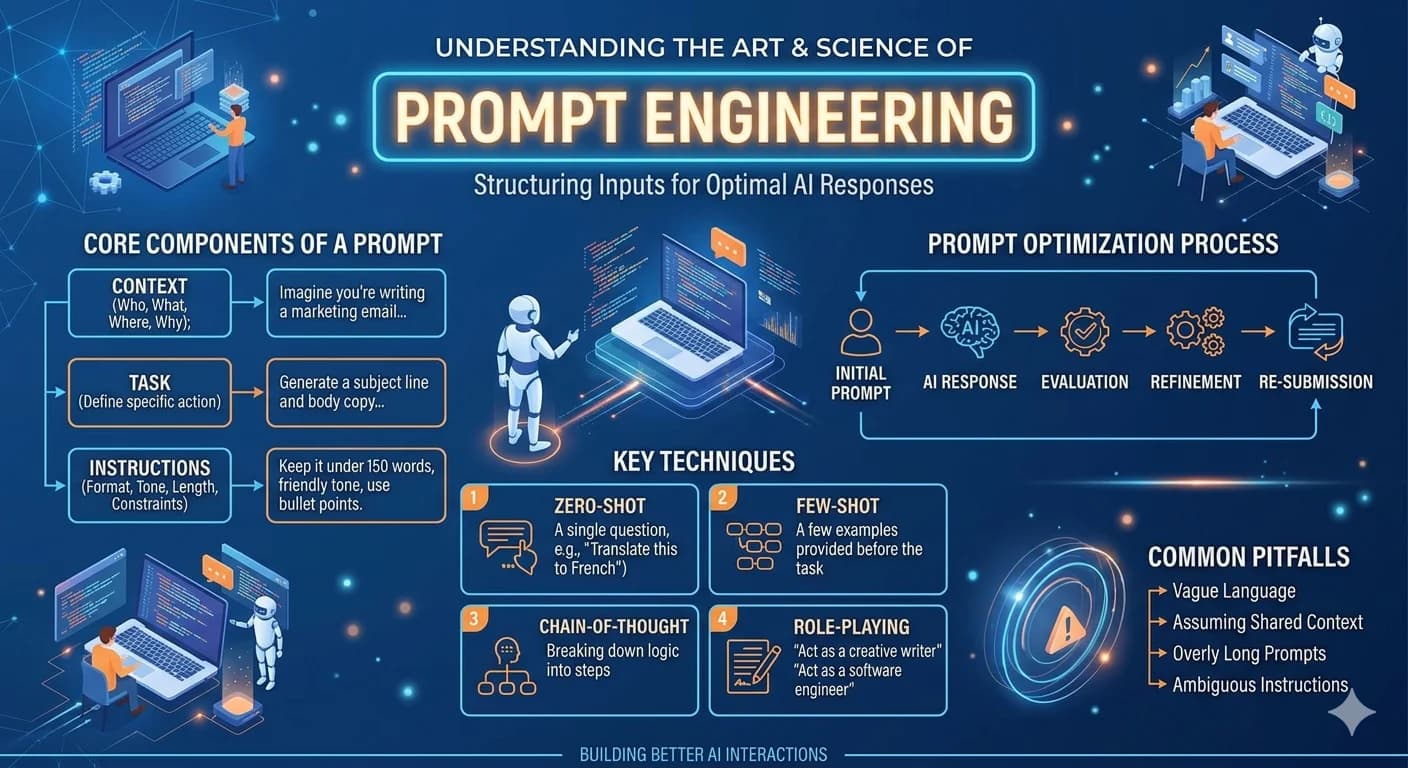
55+ free ready-to-use AI prompts for digital advertising — Facebook, Google, TikTok, Instagram, and LinkedIn with real results