ChatGPT Prompt Secrets: The Complete 2026 Guide
Master 12 proven ChatGPT prompt secrets: role prompting, chain-of-thought, custom instructions & GPTs. Updated for 2026.
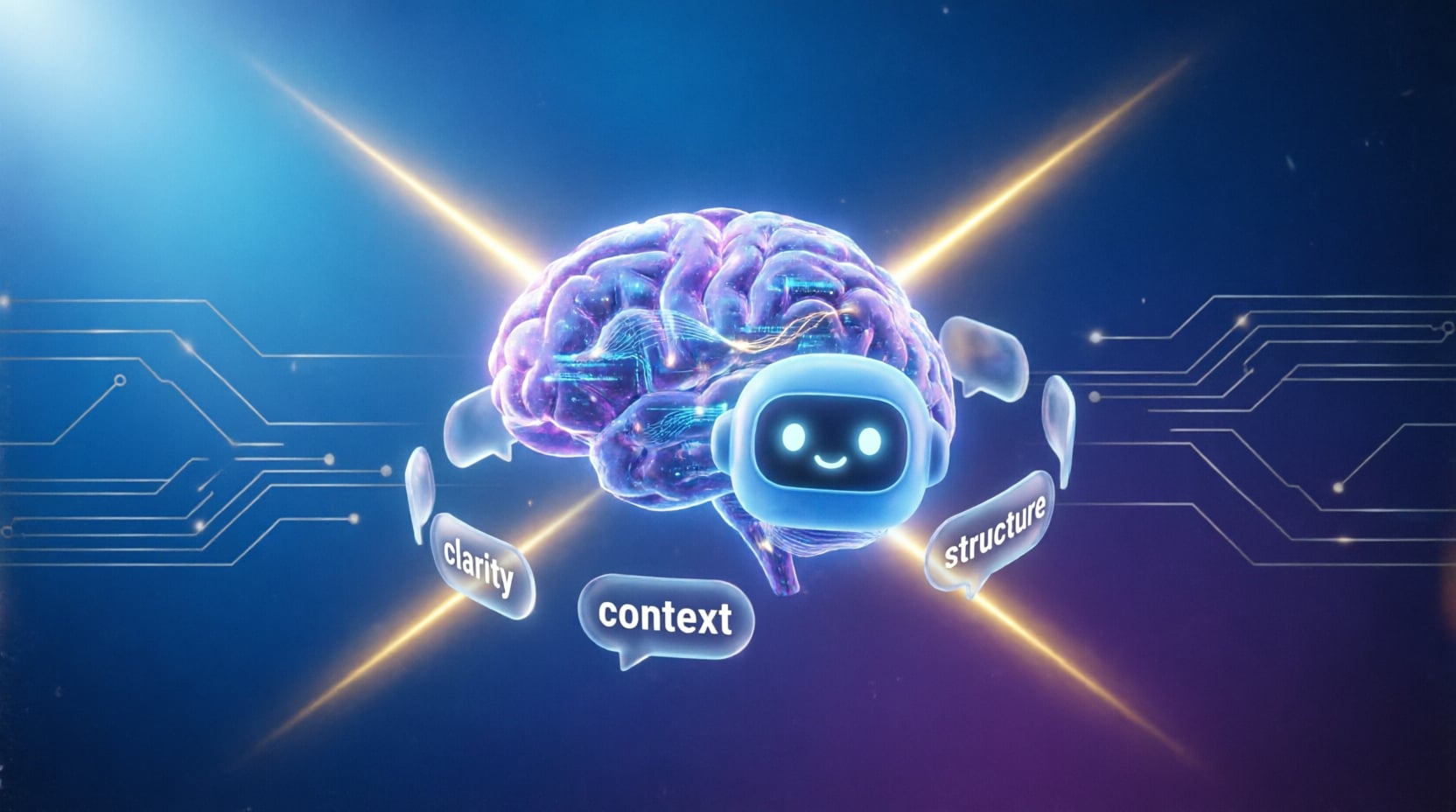
ChatGPT Prompt Secrets: The Complete Guide to Writing AI Instructions That Work
Most people talk to ChatGPT the way they talk to Google: a short phrase, no context, and a hope for the best. The result is almost always a generic answer that needs three or four follow-up messages before it becomes actually useful. The gap between that experience and getting a near-final result on the first try isn't luck — it's a specific set of prompt engineering techniques that professional AI writers use every day.
This guide walks through those techniques one by one: how ChatGPT actually processes what you type, how to structure an AI command that controls the output with precision, and how to use ChatGPT's own built-in features — custom instructions, memory, and GPTs — so you stop retyping the same context in every new chat.
Want AI instructions built for you instead of writing them from scratch? Try the free AI prompt generator, or start from ready-made templates in 75 Copy-Paste AI Prompts.
Why Most ChatGPT Queries Produce Weak Results
When you type "write me a marketing plan," you've given ChatGPT no real information to work with. The model doesn't know your industry, your audience, your budget, or even how long the plan should be. So it guesses — filling every missing detail with the statistical average of the millions of marketing plans it saw during training. That average-of-everything approach is exactly what produces the bland, could-apply-to-anyone output that makes people say "AI writing all sounds the same."
The single most important secret in AI instruction writing is this: every detail you don't specify gets filled in with a generic assumption. A well-built query doesn't ask the model to be smarter — it removes the guesswork, freeing the model to produce something built specifically for your situation instead of the statistical middle ground.
How ChatGPT Actually Reads Your AI Commands
Before you can write great prompts consistently, it helps to understand the mechanics on a practical level. ChatGPT reads your message as a sequence of tokens and predicts the most likely continuation based on everything that came before it — your current message, prior turns in the conversation, any system messages you've set, and any files or images you've attached. This has three concrete implications:
- Order matters. Information placed early in a prompt tends to carry more weight in shaping the response than details buried at the end of a long paragraph.
- Context accumulates. Every message in a conversation becomes part of the working context the model draws on — which is why answers often improve as a conversation progresses, and can degrade if the thread runs very long without a recap.
- Ambiguity becomes a guess, not a question. Contrary to what many assume, ChatGPT will not automatically pause to ask about missing details unless you explicitly tell it to.
Every ChatGPT model has a maximum context window — the total amount of text it can "hold" in its working memory at once. When a conversation grows beyond that limit, older messages get compressed or dropped. This is why long threads sometimes feel like the model "forgot" earlier details. The fix: periodically ask ChatGPT to summarize the conversation so far, then start a fresh thread with that summary as your opening context.
The Anatomy of a Professional AI Instruction
A strong prompt is built from five components. Missing any one of them is usually the exact reason you got a generic answer you didn't expect. For a ready-made version of this exact structure, see the 75 Copy-Paste AI Prompts collection.
- Role — who ChatGPT should "become" while answering.
- Context — the background that makes the answer specific to your situation.
- Task — a single, unambiguous action you actually want performed.
- Output format — the shape you want the answer to take.
- Constraints — what to avoid, and any limits on length or tone.
Act as a [specific role — e.g., a financial analyst with 10 years of experience advising early-stage startups].
Context: [who you are, your current situation, what you've already tried that didn't work].
Task: [one specific action — e.g., evaluate this plan and suggest 3 improvements].
Target audience for the output: [who will read or use the result].
Output format: [bullet list / table / numbered paragraphs / approximate word count].
Constraints: [what to avoid — e.g., no filler, no generic advice, no repeating what's stated above].
If you need a missing piece of information to produce a high-quality result, ask me for it before proceeding instead of assuming.
That last line is a small detail with an outsized effect: tell ChatGPT to ask before it assumes. On its own, this single instruction eliminates a large share of the "generic guess" problem described above.
The Role-Prompting Secret: Why "Act As" Changes Everything
"Act as [role]" isn't decorative language — it's a genuine steering mechanism. When you ask ChatGPT to adopt a specific role — a tax attorney, a technical editor, a strength coach — you're narrowing the range of vocabulary, tone, and depth the model draws from, so it leans toward what's typical of that role specifically. The difference between "explain tax law to me" and "act as a CPA explaining this to a small-business owner with no accounting background" is enormous in terms of clarity and relevance.
The sharper secret here: the more specific the role, the better the output. "Marketing expert" is far weaker than "growth marketer for mobile apps working with a limited ad budget targeting the US market." Specificity removes the ambiguity the model would otherwise have to resolve on its own.
Negative Prompting: Tell ChatGPT What You Don't Want
Most people focus entirely on describing what they want and never think to describe what they don't want — a technique widely used in image generation but rarely applied to text. Stating constraints explicitly eliminates the recurring patterns that make ChatGPT output feel formulaic: long preambles, generic motivational closers, unnecessary disclaimers, or bulleted lists when you actually wanted flowing prose. If you'd rather not write these constraints by hand every time, the AI prompt optimizer can add them for you automatically.
When answering, avoid entirely:
Openers like "Certainly!" or "Great question."
Generic motivational closing lines.
Restating the question before answering it.
Unsupported claims or vague advice that could apply to anyone.
Start directly with the requested content.
Few-Shot Prompting: Teach ChatGPT Instead of Describing to It
Instead of describing a style you want in long sentences, give ChatGPT one or two examples of the exact output you're after and let it infer the pattern itself. This is known technically as few-shot prompting, and it's one of the most reliable ways to lock in tone and structure — often more precisely than any amount of verbal description could achieve.
Write 10 article headlines in exactly the same style as these examples:Example 1: "Why 90% of SaaS Startups Fail in Year One (And How to Not Be One of Them)"
Example 2: "The Only Guide You Need to Understand Value-Based Pricing"New topic: [your topic].
Keep the same headline structure: a number or provocative question + a clear benefit promise.
Chain-of-Thought: Making ChatGPT "Think Out Loud"
For tasks requiring multi-step reasoning — calculations, complex decisions, data analysis — one of the most effective techniques is asking ChatGPT to show its reasoning step by step before landing on a final answer, rather than jumping straight to a conclusion. This is called chain-of-thought prompting, and it measurably reduces logical and computational errors because the model effectively checks its own work as it writes.
Solve the following problem: [the problem].
Before giving your final answer, show your reasoning step by step:
What information is given?
What steps are needed to reach a solution?
Work through each step in detail.
Double-check the result before presenting it.
Clearly state the final answer at the end of your response.
Self-Consistency: Getting a More Reliable Answer
A lesser-known extension of chain-of-thought is asking ChatGPT to solve a problem through more than one independent reasoning path, then compare the results before committing to a final answer. This costs a longer response but meaningfully increases reliability on anything involving numbers, logic, or multi-variable tradeoffs.
Solve this problem using two different reasoning approaches: [the problem].
Show each approach separately, then compare the two results.
If they agree, present the final answer with confidence.
If they disagree, explain why, and state which approach you trust more and why.
🎯 Decision Tree: Which Technique Should You Use?
Not every task needs every technique. Use this decision guide to pick the right AI instruction method for your specific situation:
Custom Instructions: The Setting That Saves You From Repeating Yourself
One of the most overlooked secrets is that ChatGPT lets you set persistent custom instructions that apply automatically to every new conversation, instead of retyping the same background information every single time. If you find yourself constantly typing things like "I'm a Next.js developer" or "I prefer short answers with no preamble," that's exactly the kind of information that belongs in custom instructions — not in every message.
Good candidates: your profession, preferred response length, tone preferences, recurring technical stack, target audience for your writing, and formatting habits. Bad candidates: anything that changes per task — those still belong in the individual prompt.
Memory: Using It Deliberately Instead of Ignoring It
Beyond custom instructions, some versions of ChatGPT retain memory across separate conversations, gradually learning your preferences over time. The secret is to manage this memory actively: correct inaccuracies the moment you notice them with an explicit statement like "remember that I actually prefer X," rather than letting incorrect assumptions accumulate silently and quietly degrade the quality of future responses without you knowing why.
Custom GPTs: When to Build One Instead of Retyping a Prompt
If you catch yourself typing the same long prompt — same role, same constraints, same output format — more than two or three times a week, that's a clear signal it's time to turn it into a custom GPT instead of copy-pasting repeatedly. A custom GPT is effectively a permanently saved system message, and it can also carry reference files and fixed behavioral rules — making it the natural next step once a manual prompt has proven itself reliable. Not sure whether you actually need a full custom GPT or just a better single prompt? The free AI prompt generator can help you test both directions before you commit to building one.
Iterative Prompting: Refine, Don't Restart
A common mistake is trying to write the "perfect prompt" that produces the final deliverable on the first attempt. In practice, the best results come from treating ChatGPT like an editor you work with across multiple passes: a first draft, then a targeted revision, then another — rather than rewriting the entire request from scratch every time the output isn't quite right.
Here is your previous attempt: [paste the previous response].
Keep what's working, and improve only the following:
[first thing you want changed]
[second thing you want changed]
Don't rewrite anything I haven't mentioned — only adjust exactly what I asked for.
Prompt Chaining: Breaking Big Tasks Into a Sequence
For complex deliverables — a full report, a multi-section article, a research summary — one high-value secret is breaking the task into a deliberate sequence of smaller prompts rather than requesting everything in one shot. Ask for an outline first, review it, then request each section individually. This keeps quality consistent across long outputs and gives you control points where you can course-correct before errors compound.
Act as an editor. Before writing anything, produce a detailed outline for [topic] targeting [audience].
Include section headings, the key point of each section, and estimated length.
Do not write any body content yet — outline only.
Delimiters and Formatting: Why Quotation Marks Matter More Than You Think
When your prompt contains more than one type of content — text to analyze, instructions, and examples — clearly separating those parts with visual delimiters (triple quotes, headers, or square brackets) significantly reduces the chance the model conflates your instructions with the content you want processed. It's a technically small detail that solves a very common problem when analyzing long text or uploaded files.
Analyze only the text between the triple quotes below. Do not treat anything outside them as part of the analysis."""
[paste your text here]
"""Task: [your specific analysis request].
Requesting Structured Output: Tables, JSON, and Markdown
When you need output that plugs directly into another tool — a spreadsheet, code, a CMS — request the exact format instead of leaving the shape up to the model. Asking for JSON with a defined schema, or a Markdown table with named columns, saves significant time you'd otherwise spend manually reformatting every response.
Analyze this data: [paste the data].
Return the result as JSON only, with no text before or after it, following exactly this schema:
🎯 Task-Specific Secrets: Deep Dives by Use Case
Every professional domain has its own quirks when it comes to AI instructions. Here's what actually moves the needle in the most common use cases.
Writing and Content Creation
When using ChatGPT to draft an article or post, define the reader's intent — are they scanning for a quick answer, or looking for deep understanding? — before requesting the structure, since this single detail automatically shapes paragraph length and level of detail. You can use the AI article prompt generator to build a complete article prompt with all of this baked in at once.
Act as a senior content writer specializing in [niche].
Write a [word count]-word article about [topic] for [target audience].
Reader intent: [scanning for quick answer / deep understanding / comparison shopping].
Tone: [conversational / authoritative / technical].
Include: one actionable takeaway per section, real examples, and no fluff.
Avoid: clichés, passive voice, and generic openings like "In today's world."
Coding and Debugging
The single biggest lever here is giving ChatGPT full technical context: the programming language, the version, the exact error message, and what you've already tried and ruled out — not just the broken code snippet. This prevents the model from suggesting fixes you've already attempted or that don't match your environment. Browse more debugging and technical prompt templates in the Promptsa prompt library.
Language: [e.g., TypeScript 5.3]
Environment: [e.g., Next.js 14, Node 20]
Error message: [paste exact error]
What I expected: [describe expected behavior]
What I tried: [list attempts already made]
Code snippet:
Diagnose the root cause and provide a minimal fix. Explain why the fix works.
Data Analysis
When uploading a data file, ask ChatGPT to describe the data first — columns, types, missing values — before requesting any analysis or conclusions, to confirm it correctly understood the structure before building on top of it.
I've uploaded [filename]. Before analyzing:
List all columns and their detected types.
Report row count and any missing values per column.
Confirm the dataset matches my expectations before proceeding.
Then perform: [your specific analysis request].
Image Generation with DALL·E Inside ChatGPT
The same logic that applies to standalone image prompts applies here: composition, lighting, style, and an explicit negative prompt. If you generate images regularly, Labnana AI gives you a dedicated image-generation workflow built specifically around this exact prompt-to-image structure. For a broader library of ready-made visual prompt templates, see the 75 Copy-Paste AI Prompts guide.
Create a [style: photorealistic / illustration / 3D render] image of [subject].
Composition: [framing, angle, focal point].
Lighting: [natural / studio / dramatic / soft].
Color palette: [describe].
Mood: [describe].
Avoid: [negative prompt — e.g., text, watermarks, extra fingers, blurry details].
Browsing and Real-Time Information
When a task depends on current information, tell ChatGPT explicitly to verify recency and to flag anything time-sensitive that should be double-checked, rather than assuming its answer reflects the latest available state of a fast-changing topic.
Research [topic] using web browsing.
Requirements:
Prioritize sources from the last 6 months.
Cite each claim with its source URL.
Flag any information that may be outdated or contested.
Provide a confidence rating (high/medium/low) for each key finding.
The Most Common Mistakes in ChatGPT Prompts
These mistakes show up in the vast majority of everyday ChatGPT conversations, and fixing even one of them noticeably improves response quality.
- Giving a topic with zero context. "Write about marketing" versus specifying audience, goal, and structure — the difference is not incremental, it's categorical.
- Stacking multiple unrelated tasks into one message. An article, a marketing plan, and an image prompt in a single request forces the model to split focus between competing priorities.
- Never specifying the output format. Without an explicit request, ChatGPT defaults to whatever shape is statistically typical — which may not fit your use case at all.
- Manually retyping the same context in every conversation instead of using custom instructions or a dedicated custom GPT.
- Giving up after one attempt instead of using the iterative refinement approach described above.
- Skipping negative prompting and letting the model add unwanted preambles and closing lines by default.
- Blurring the line between instructions and content with no delimiters when analyzing long text.
- Treating every prompt as a one-shot request for tasks that are genuinely better handled as a chained sequence of smaller steps.
ChatGPT vs. Claude vs. Gemini: Are the Secrets the Same?
Most of the techniques above — role, context, constraints, examples — are universal and apply to any large language model. But there are practical differences worth knowing: some models respond better to system-level instructions kept separate from the conversation itself, and some are more sensitive to context length or the exact phrasing of examples. If you regularly move the same prompt between different tools, see the ChatGPT vs. Claude vs. Gemini prompt-writing differences guide before assuming that what works flawlessly in one will transfer perfectly to another. To adapt an existing prompt for a specific model automatically, the AI prompt optimizer handles that conversion directly.
Building a Personal Prompt Library Instead of Reinventing Every Time
The moment you find a prompt that consistently produces excellent results, save it immediately instead of relying on memory. The practical method: record the title, the use case, the full prompt text, and the variables meant to be swapped out. Over time, this turns prompt writing from a skill you re-practice from zero every single time into a reusable, expandable system. You can start from an already-organized collection in the Promptsa prompt library instead of building one from scratch.
Frequently Asked Questions
Final Takeaway
There's no single "magic prompt" that fits every task, but there is a clear, repeatable system that applies to almost any request: define the role, give enough context, request a specific format, and state explicit constraints for what you don't want. Combine that with actually using ChatGPT's own built-in features — custom instructions, memory, and custom GPTs — instead of ignoring them, and the gap between "disappointingly generic answer" and "near-final output on the first try" narrows dramatically.
Start by applying just one template from this guide to your next request, and compare the difference yourself. To build a full prompt library or fine-tune a prompt for your exact use case, try the free AI prompt generator or browse the Promptsa prompt library.
You might also like
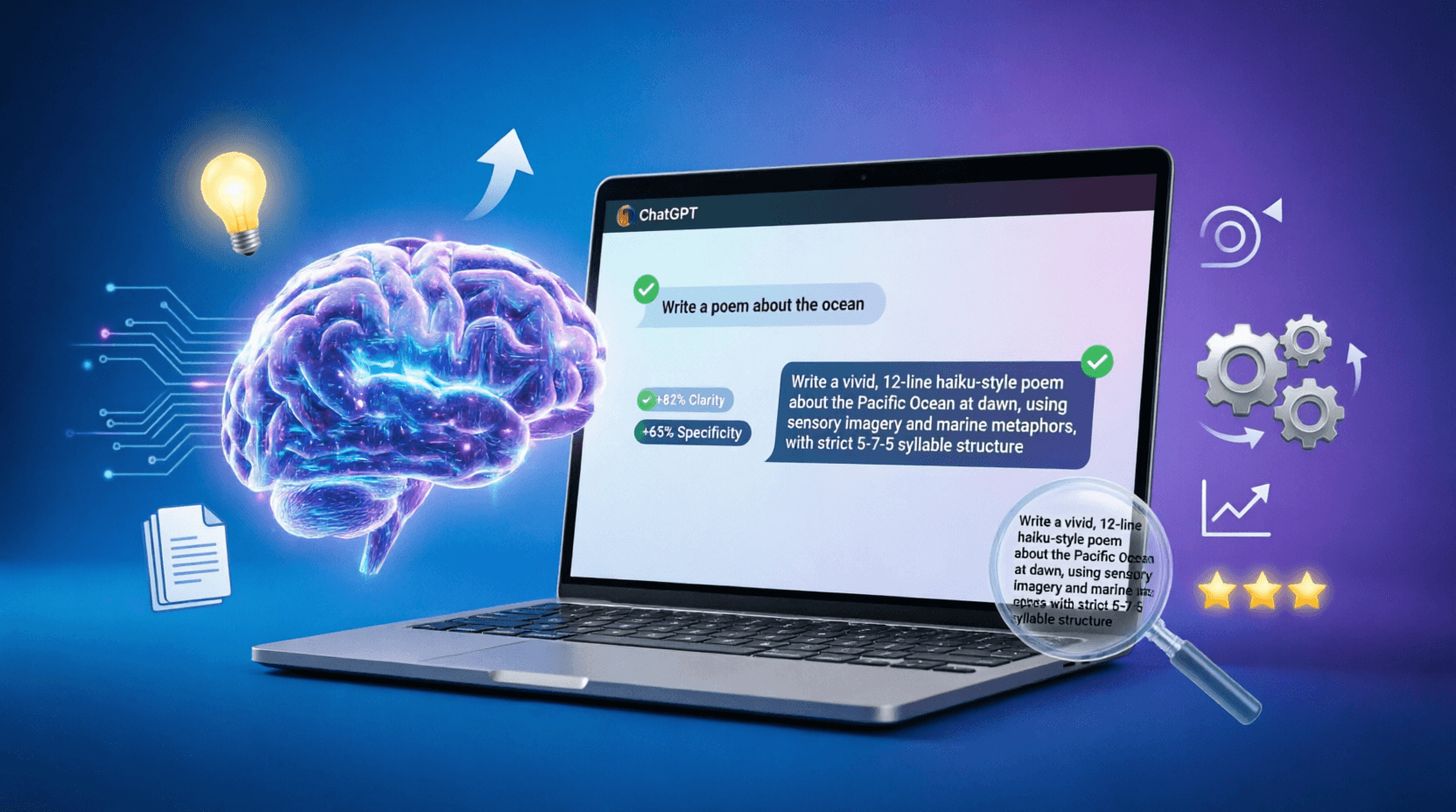
The ultimate guide to optimizing your website and prompts for ChatGPT in 2026. Generative Engine Optimization (GEO), technical preparation, featured snippets, 15 practical ways to improve AI responses, and ready-to-use prompt templates.
Comprehensive ChatGPT vs Claude vs Gemini comparison. Discover which AI model is best for coding, writing, research, and business. Complete AI tools comparison guide with pricing, features, and use cases for 2026.

75 ready-to-use AI prompts for ChatGPT, Claude, Gemini, Midjourney, AI video, SEO, and marketing. Copy, paste, customize, and get better results today.
Struggling to rank AI-written content? This step-by-step AI SEO content guide covers keyword strategy, EEAT, prompt engineering, and a 12-step workflow — with real examples and templates you can copy today.